Project workspace
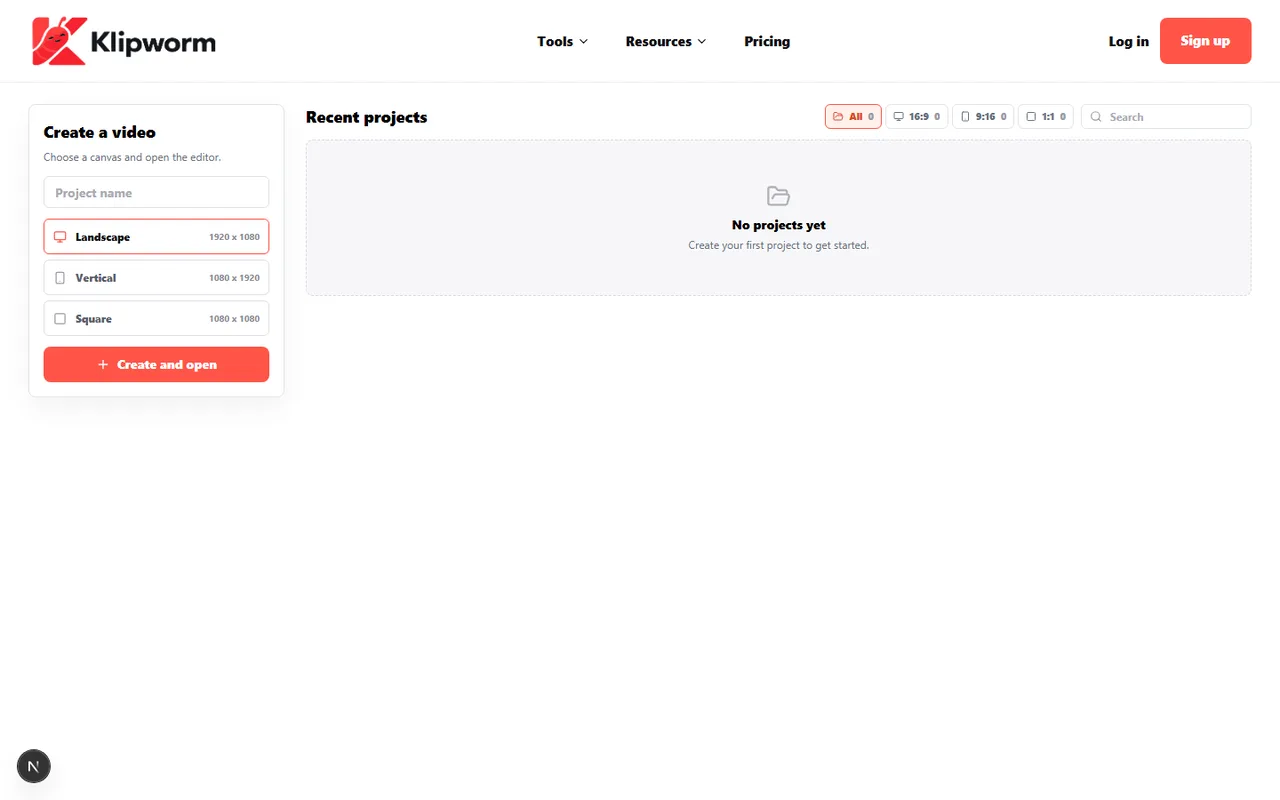
Start from drafts and recent projects instead of losing work after one export.
Create your own video, manage projects, and edit with browser-based tools for captions, audio, resize, trim, and export workflows.
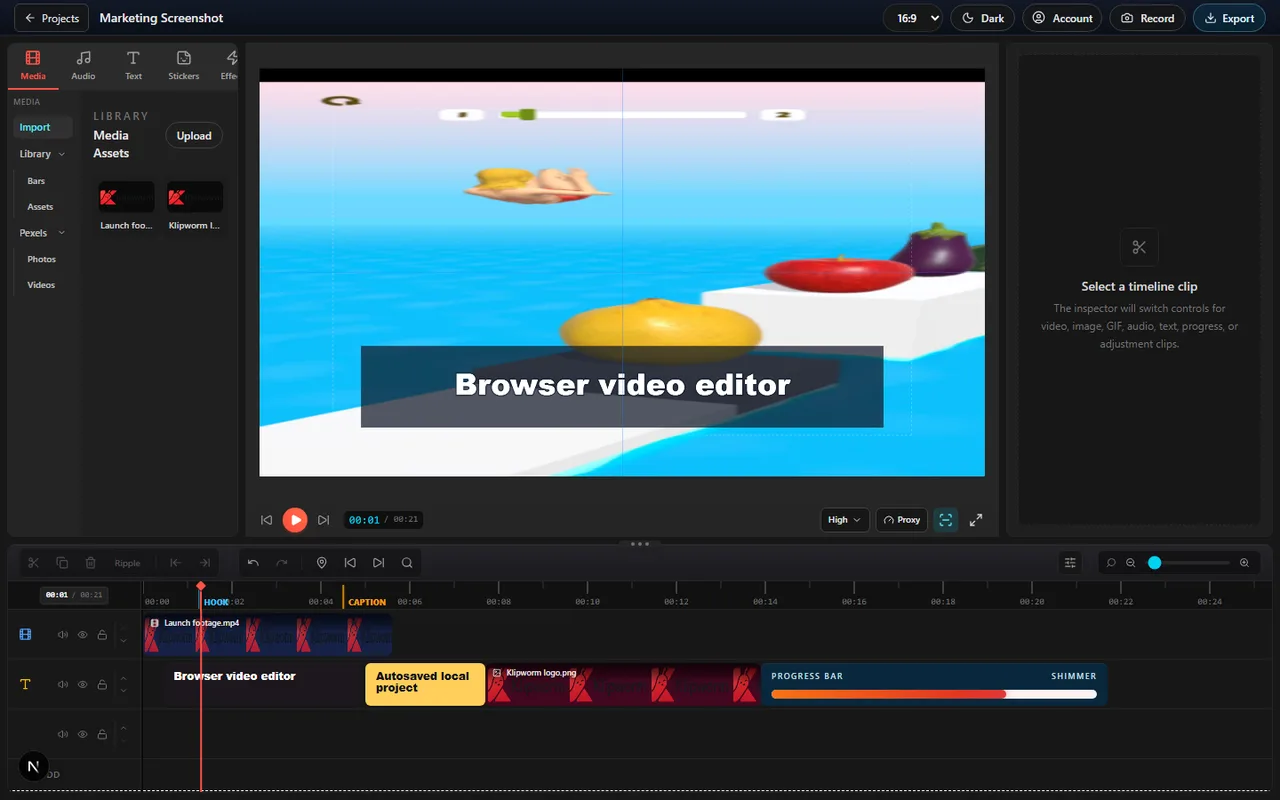
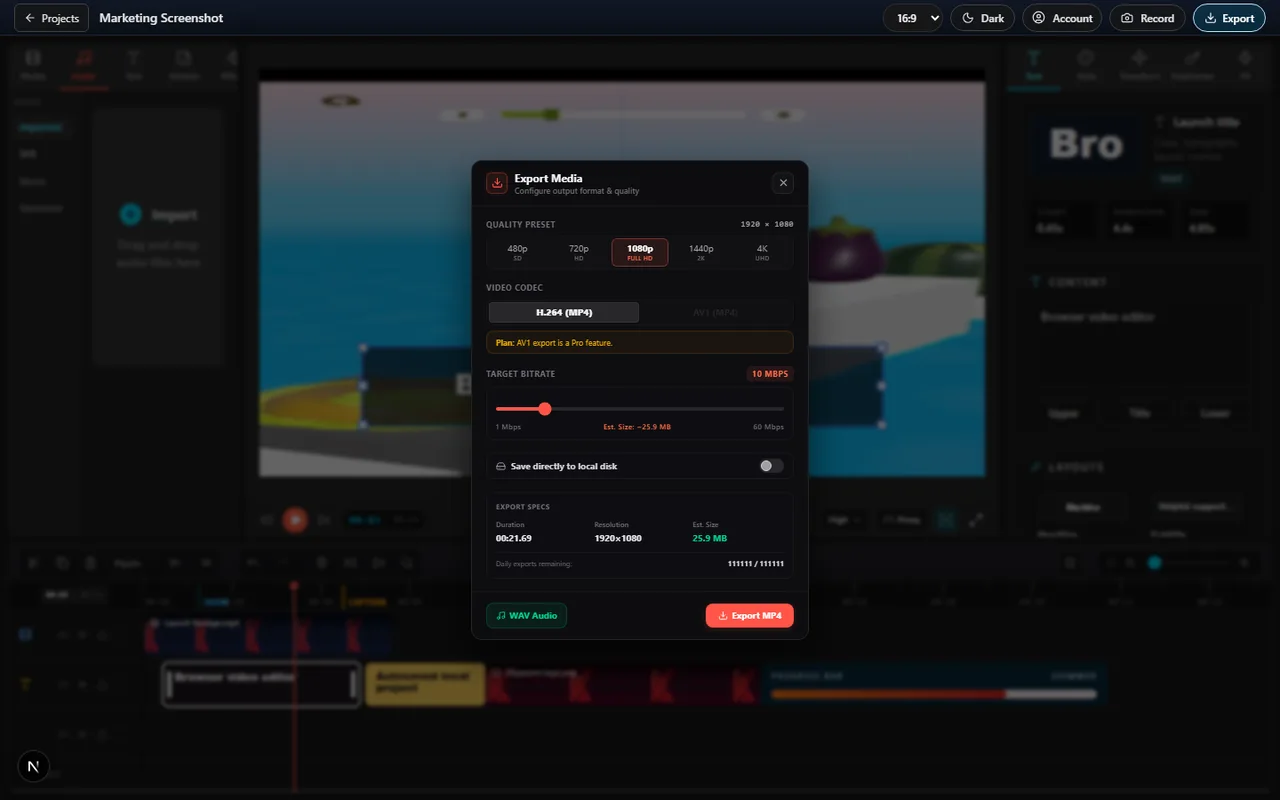
Export your video creations in stunning high-definition resolution up to ultra-sharp 4K completely free of any restrictive watermarks. Enjoy a professional, native-level editing experience with absolutely no file limits, local project autosaving, and total sandbox privacy.
Arrange, trim, and coordinate multiple video tracks, audio layers, visual text cards, subtitles, and logos simultaneously. Our professional timeline workspace lets you stack clips vertically and align them horizontally, providing a simplified layout to build complex video compositions.
Discover, search, and overlay trending stickers, viral memes, and expressive GIFs directly onto your video timeline. The built-in Klipy creative asset library lets you browse and drag custom stickers, classic meme pictures, and hilarious looping animations straight onto your video layers to inject humor and personality into your edits.
Access millions of premium, royalty-free stock videos and high-definition photography directly inside the editor panel. Drag B-roll clips, gorgeous backgrounds, and stock imagery straight onto your timeline layers without downloading files first.
Inject humor and dynamic energy into your edits. Browse, search, and import trending animated GIFs and transparent stickers directly from the Giphy assets panel, placing them anywhere on your visual canvas layers.
Bring your cuts to life with high-impact audio. Browse our curated library of professional sound effects, atmospheric background sweeps, transition whooshes, click sounds, and audio accents to make your edits feel polished.
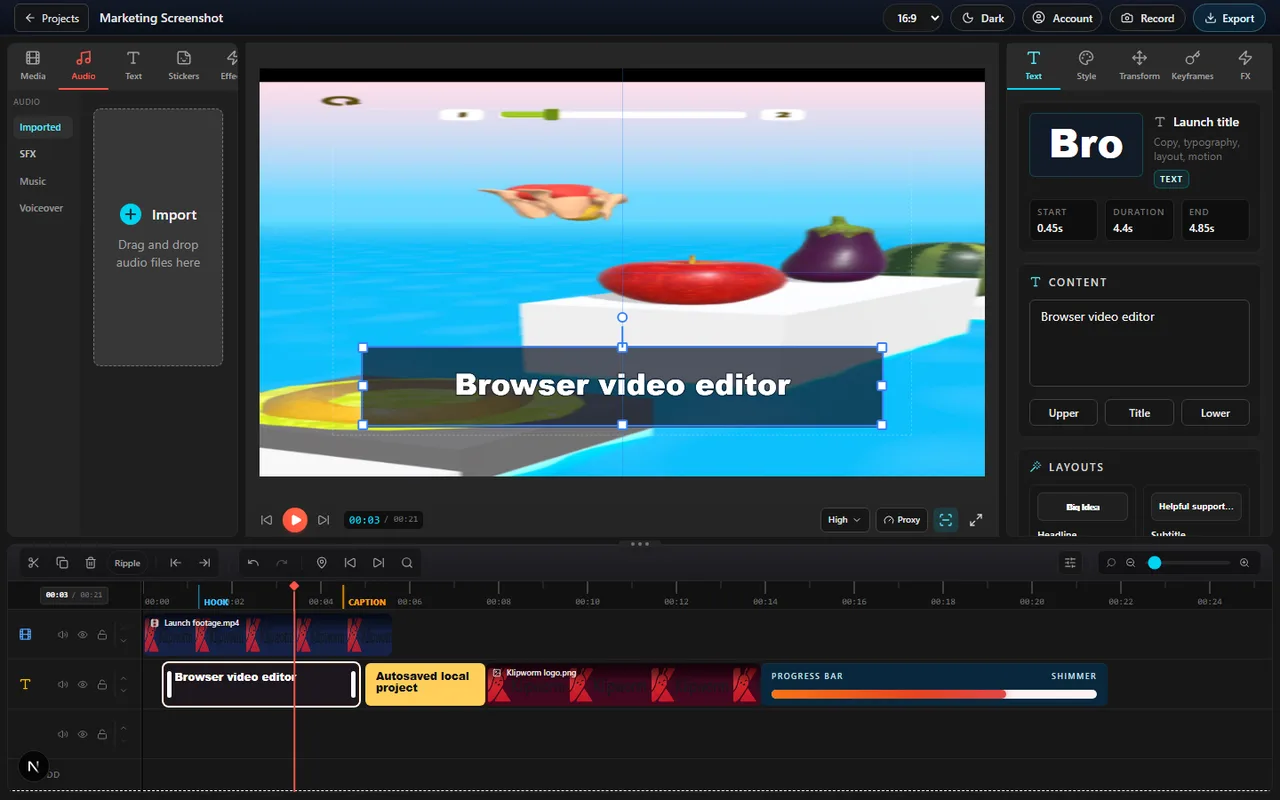
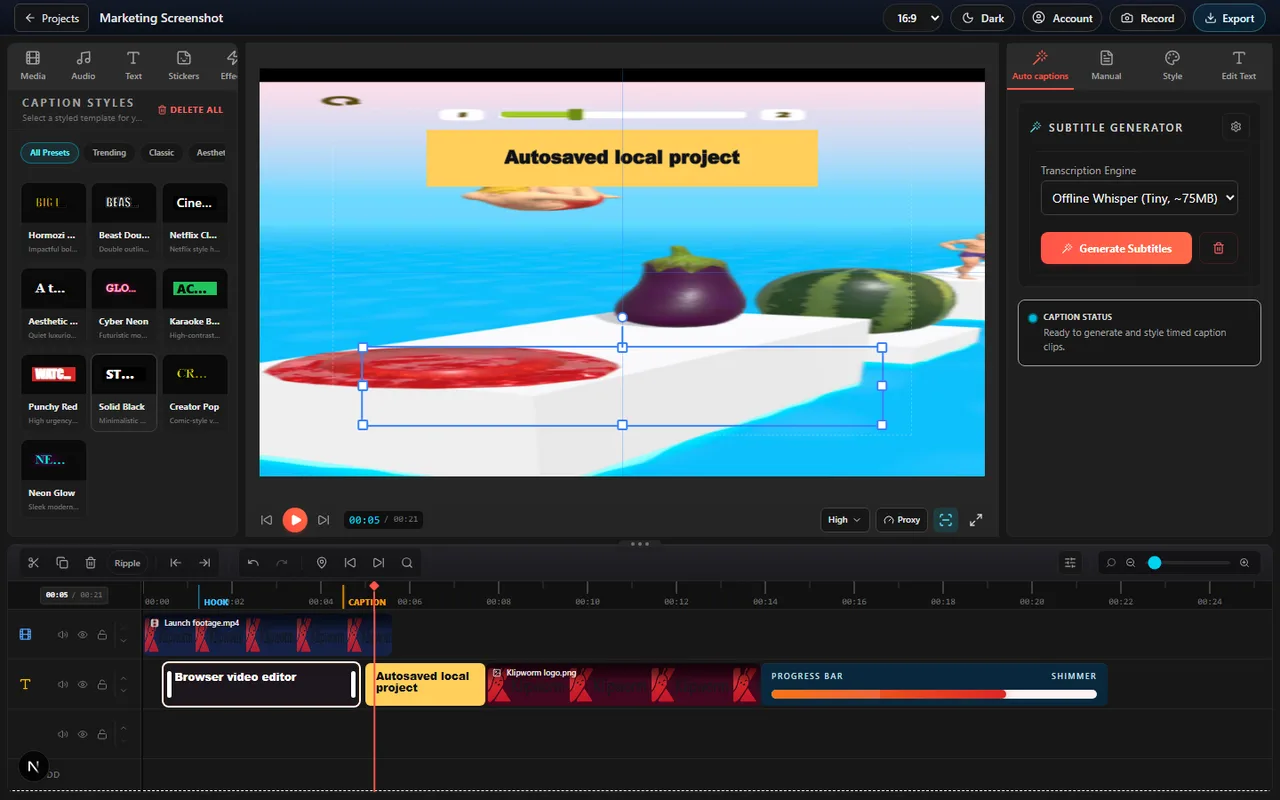
Convert verbal speech into highly readable captions instantly. Our voice-to-text transcriber analyzes spoken tracks inside the active browser tab, generating perfectly synchronized timeline subtitle blocks automatically.
Style your text layers beautifully. Select from hundreds of pre-designed caption templates, colorful badge envelopes, styled subtitles, speech bubble shapes, and professional lower-third templates to fit your brand colors.
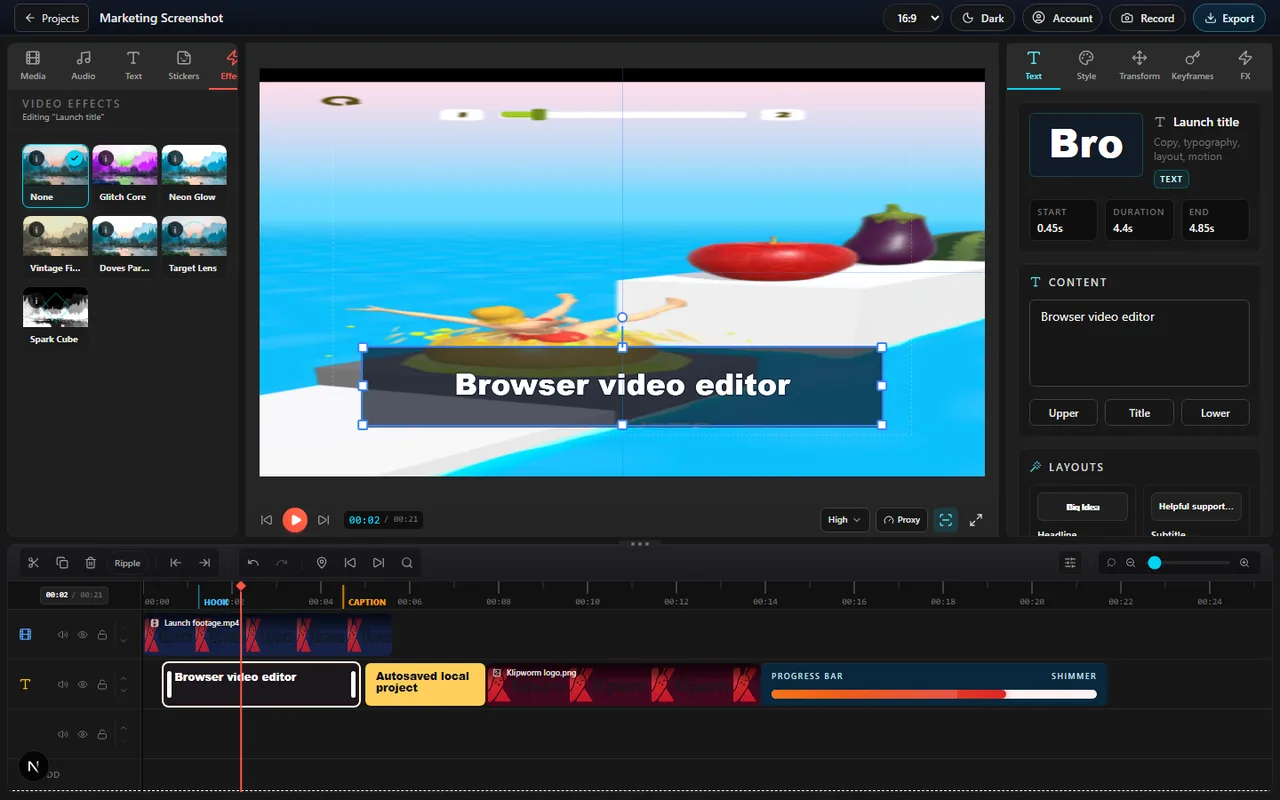
Elevate your visual style with one-click enhancements. Apply premium color overlays, retro filters, artistic styling effects, and professional video filters directly to visual tracks to establish a cohesive look.
Glue your cuts together with smooth visual flows. Choose from a library of premium transition templates—including clean cross-dissolves, sweeps, zooms, and stylistic cuts—to move cleanly between scenes.
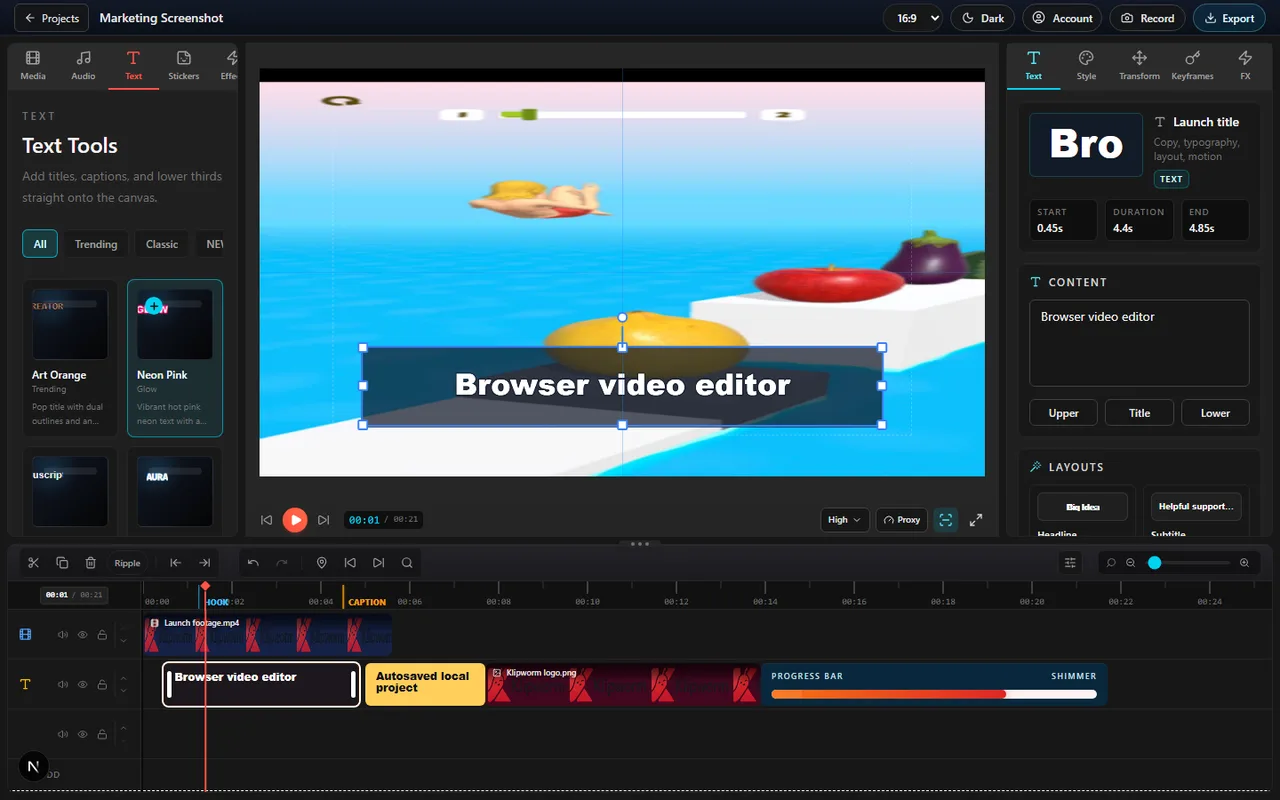
Make your text feel alive. Configure smooth text animations like slide-ins, fade-outs, elastic bounces, and pop entries to title cards, subtitle tracks, and labels to hold viewer attention.
Enjoy lag-free previews at a solid 60 frames per second. Our compositor coordinates rendering pipelines directly with your device's graphics processing unit (GPU), pulling decoded frames instantly without server-side buffering.
Experience pro-grade editing capabilities inside an incredibly simple, intuitive workspace. Behind the clean, simplified visual panel sits a robust compositor that handles complex track layering, audio mixing, and keyframing seamlessly.
Take complete control over your text styles. Style your captions and titles with outline strokes, customized drop shadow offsets, soft glows, dynamic background padding, and custom color gradients on the canvas.
Animate any property over time. Add keyframes to visual tracks to control custom motion paths, fade clip opacities gradually, animate scale zoom factors, or rotate graphics dynamically across the timeline.
Reposition and compose media assets visually. Scale clips up or down, crop visual boundaries, rotate tracks by specific degree angles, or mirror files horizontal and vertical using responsive drag handles.
Perfect the mood of your footage. Fine-tune visual track exposures, contrast levels, saturation depths, highlight ranges, and shadow intensities using highly responsive color sliders in the inspector.
Master your soundtracks like an audio engineer. Set fade-in and fade-out durations on sound clips, adjust individual track volumes, mute noisy background tracks, and balance voiceovers against background music beds.
Keep your media files 100% private. Because Klipworm decodes, composite, and exports files entirely inside your local browser container sandbox, your raw video captures never leave your machine and are never uploaded to servers.
Edit anywhere, anytime. Since visual transforms and timeline tracks run entirely locally using your device's CPU and GPU, you can continue cutting clips, typing subtitles, and arranging tracks even with no internet connection.
Draft confidently knowing your work is secure. Video, audio, and image assets persist inside your browser's secure IndexedDB memory pool, while timeline track layouts autosave to localStorage, protecting drafts from crashes.
Arrange and adjust your tracks seamlessly without worrying about accidental blank segments. The magnetic timeline snapping feature automatically closes empty spaces when you delete or trim video tracks, letting you slide clips around fluidly while preserving perfect sequence pacing.
Bookmark key visual cues, audio beats, and edit points across your project tracks. Place colored visual markers on the timeline ruler to synchronize sound transitions, add reference notes, or label visual milestones during editing.
Klipworm runs entirely in your local browser sandbox. Follow these three simple steps to create video masterpieces.
Launch the browser editor and create a new project workspace. Your media assets are loaded instantly without any server uploads.
Arrange, trim, and style tracks on the timeline. Every cut, transition, and caption is saved automatically in your browser sandbox, persisting safely even after days.
Preview your edits smoothly in real-time and render the final watermark-free video directly from your active browser tab.
Features engineered for high performance, local execution, and total data safety.
Start from drafts and recent projects instead of losing work after one export.
Arrange video, image, text, audio, captions, and effects in a focused browser workspace.
Imported media can persist locally in IndexedDB while project metadata stays lightweight.
Have questions about our Online Video Editor? Find the answers below.
Yes. Click Get started to open the Klipworm project workspace at /editor.
Projects make Klipworm more useful than one-shot tools. Users can return to drafts, keep timelines organized, and continue work later.
Never. Klipworm runs all rendering, compositing, and encoding processes locally inside your active browser tab, protecting data privacy and saving bandwidth.
Klipworm is fully supported across all modern web browsers, including Apple Safari, Google Chrome, Mozilla Firefox, Microsoft Edge, and Brave, on desktop, laptop, and tablet devices for fluid hardware-accelerated editing.
No. Since editing operations and GPU transforms are executed locally on your system, you can continue adjusting your timeline even if your internet connection drops.
Since Klipworm works entirely locally within your browser sandbox, there are no artificial file upload caps. The only limits are your hardware storage capabilities.